


You want a tapestry but don't have the right photo? Besides our ready-made designs in the shop, the designer offers millions of premium stock photos on every topic, for example thousands of pictures of beaches, forests, lakes and seas. Then the image library in the designer is your best friend: over 140 million premium images are waiting right inside the customizer. So you don't get lost in that huge choice, we'll show you how to choose the perfect tapestry design: with the right search terms, a look at format and visual impact, and a few tricks for a sharp result.

Step by step: how to find the premium images
- Open Design your own tapestry and choose the material.
- Click «Customize 🪄» and set the width and height for your wall.
- In the designer, click «Images» or the yellow plus, then «Premium photos».
- Type a term into the search field, for example "mountain lake", "mandala" or "lavender".
- Pick an image, move and scale it in the frame until the crop fits, and add the tapestry to your cart.


Good to know: premium images are licensed professional photos and illustrations. Using one adds a small surcharge, shown directly in the designer.
The right search terms: how to narrow it down
With 140 million images, the search term makes all the difference. A single word like "nature" returns countless hits that have little to do with your idea. A combination works better:
- Subject + mood: "forest fog morning" instead of just "forest".
- Subject + style: "beach watercolor", "lion line art" or "mountains oil painting".
- Subject + colour: "mandala beige" or "flowers pastel" makes the image match your room right away.
- Synonyms: If a term brings few results, try a related word, such as "galaxy" instead of "space" or "boho pattern" instead of "ornament".
Write down the terms that give good results while you browse. That way you get there faster when you want to compare several options.

Landscape, portrait, panorama: format comes first
Before you fall in love with an image, check the aspect ratio. For a wide tapestry above the sofa or bed you need a landscape or panorama image. Otherwise you'll have to crop a portrait image heavily, and the most important part goes missing at the top or bottom. For a narrow wall in the hallway or next to the wardrobe, portrait format fits better.
So set the dimensions of your wall first, then search for images that roughly match that format. The designer shows you right away which part ends up on the fabric.
Resolution: no need to worry
Premium images have enough resolution for any size, so there's nothing you need to check. The preview in the designer is deliberately shown in reduced quality so everything runs smoothly. If it looks pixelated when you zoom in, that's only the preview, not the print.

Which design for which room?
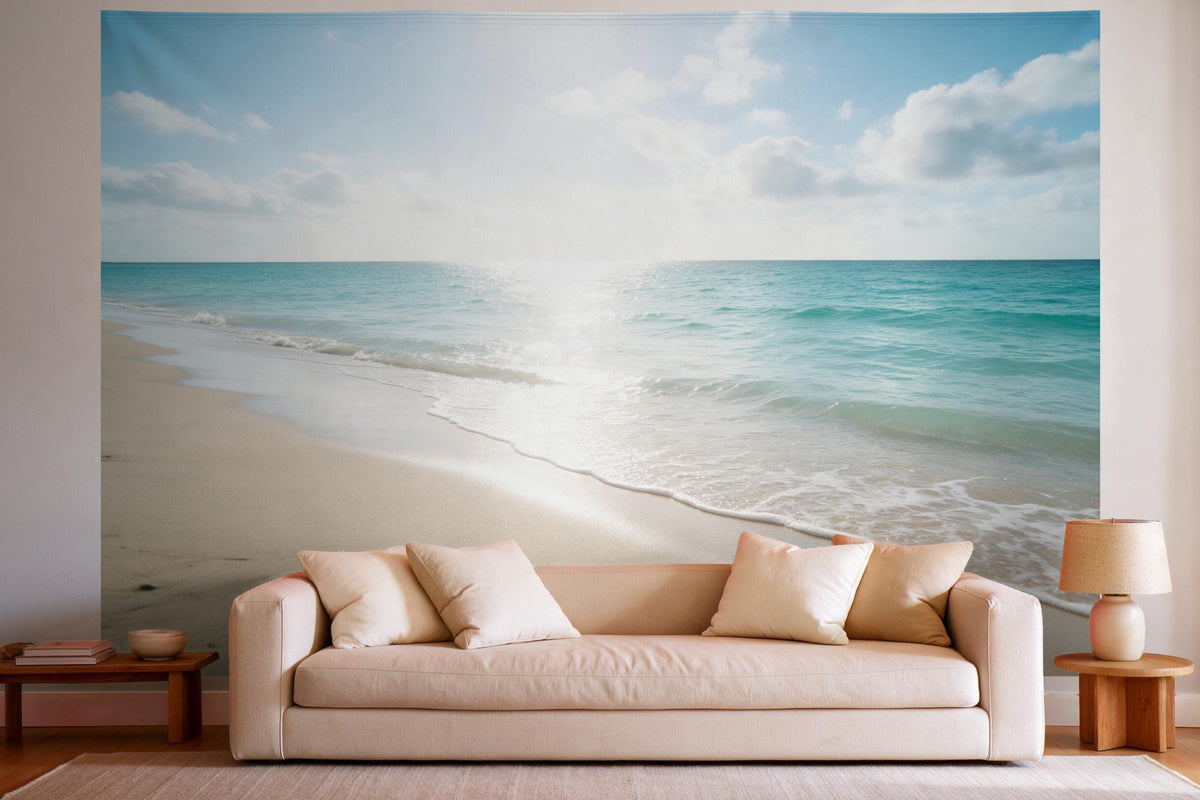
- Living room: wide landscapes like mountains, lakes or the sea feel calm and make the room look bigger.
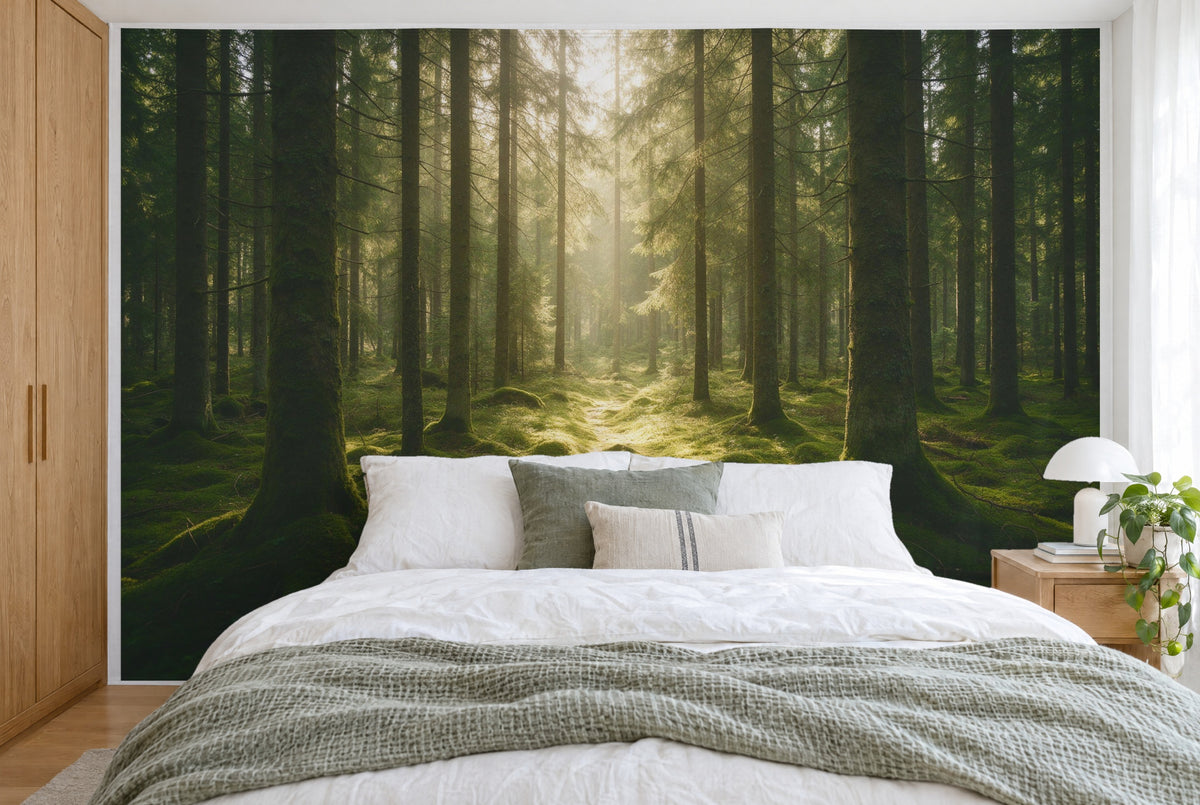
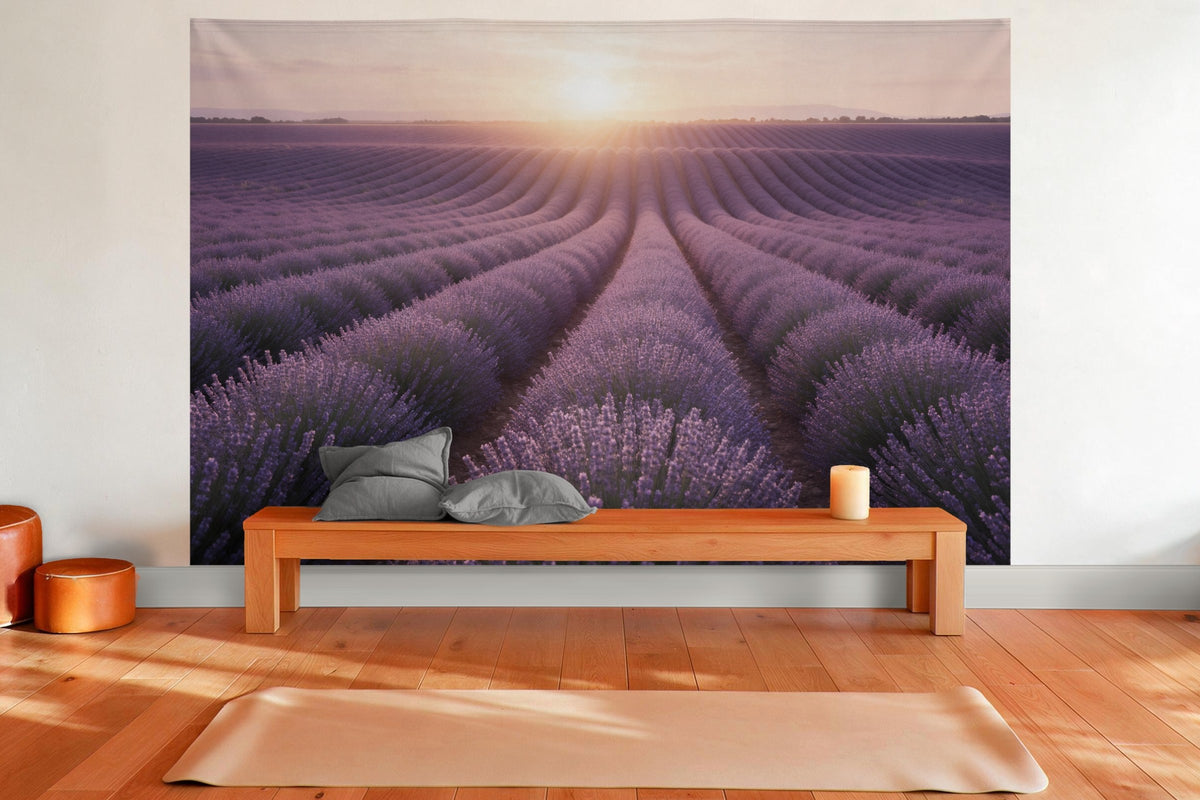
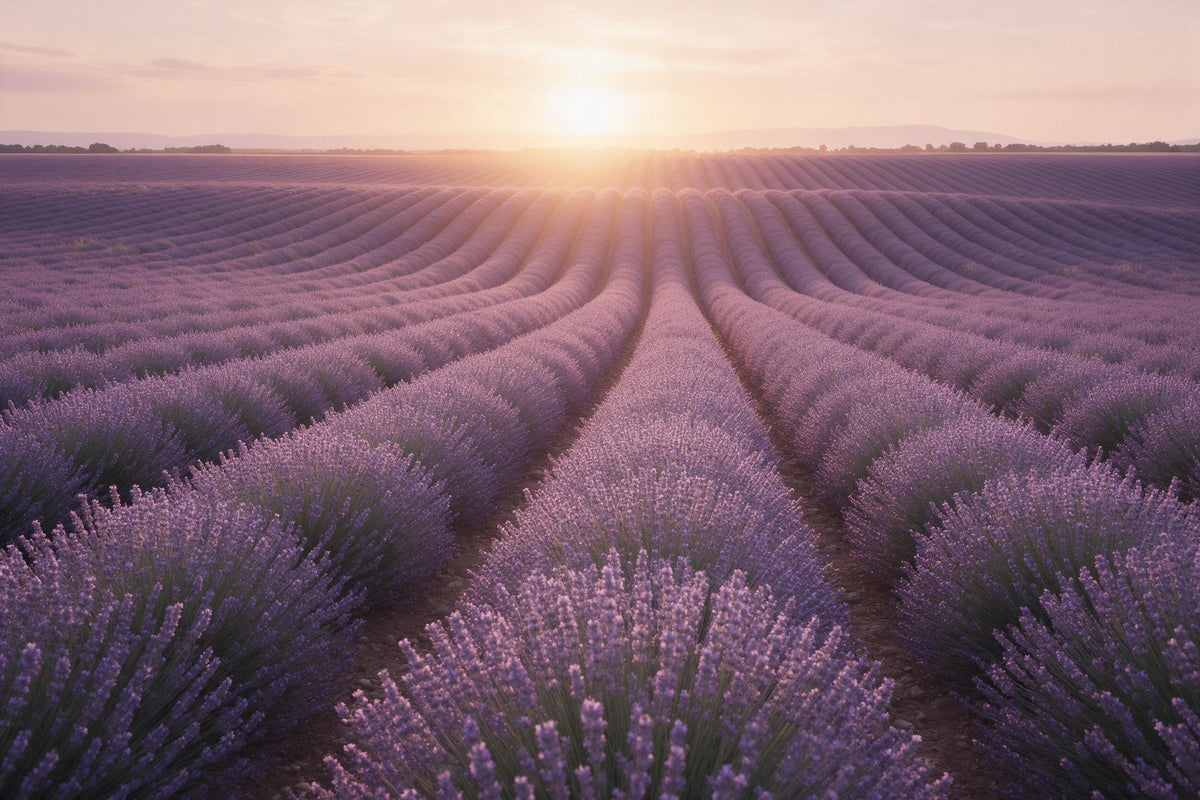
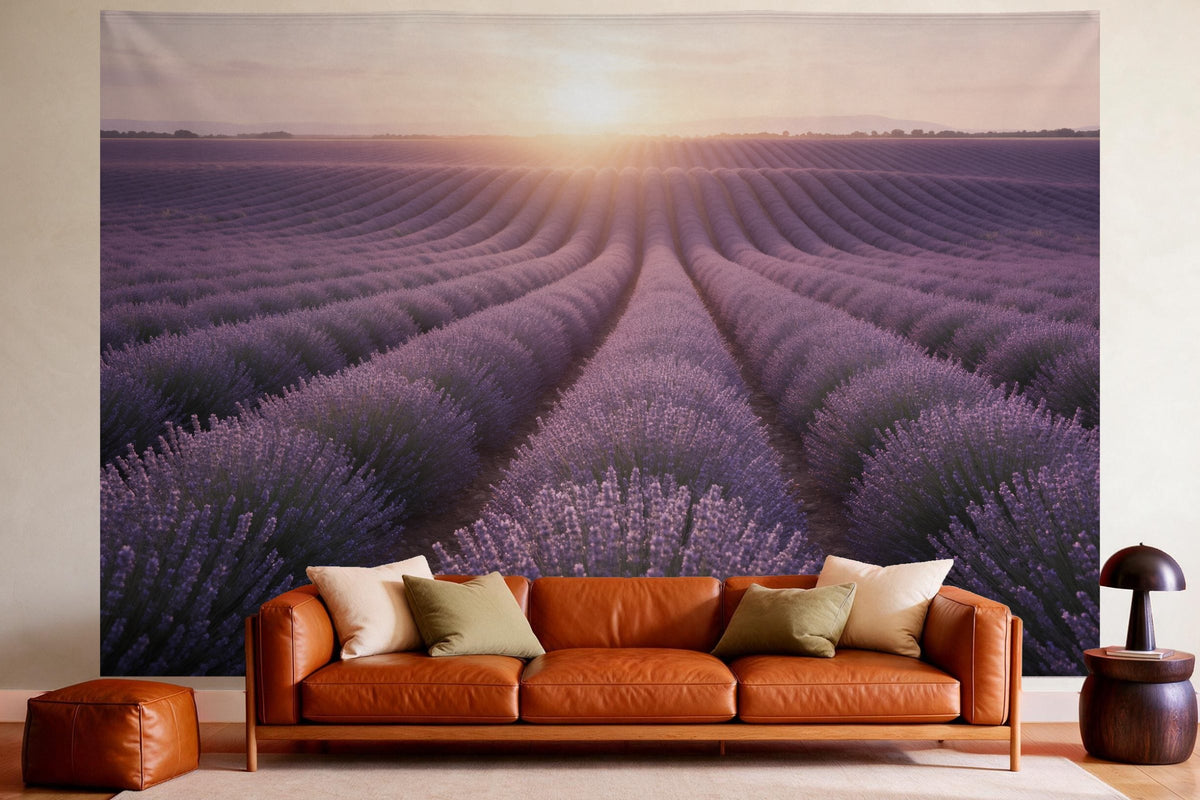
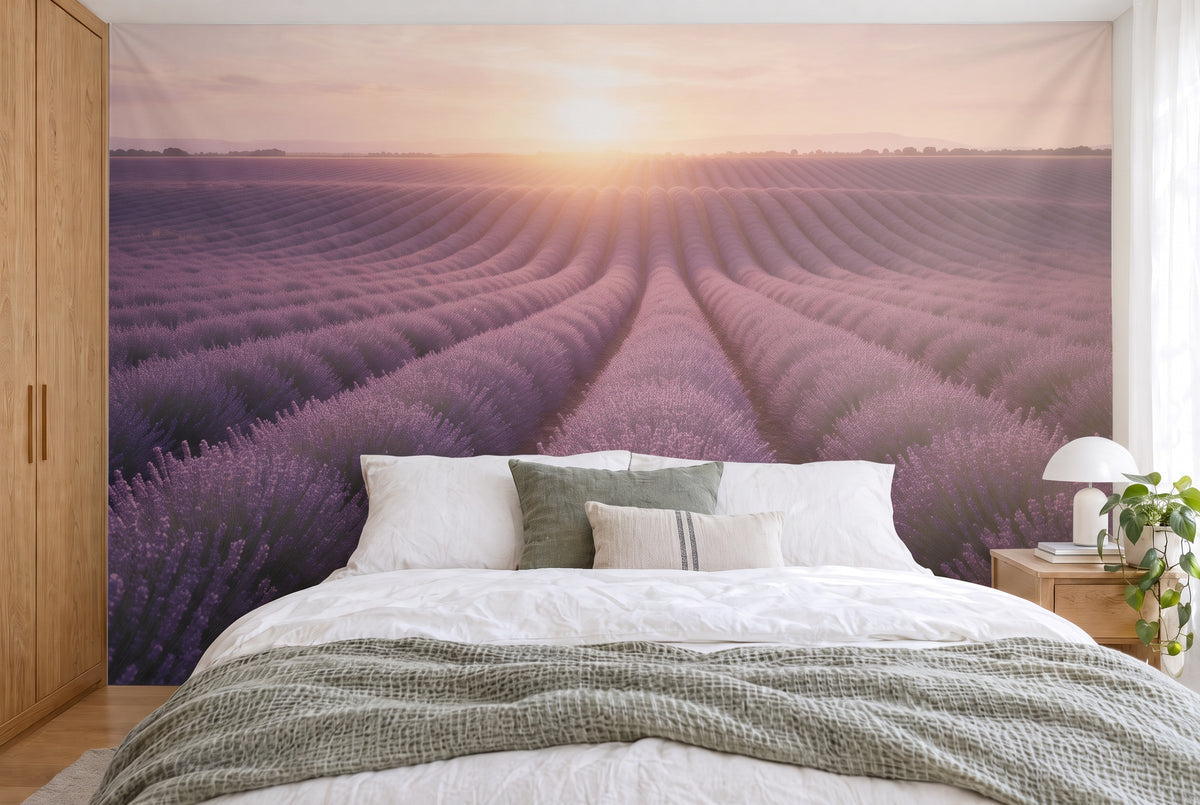
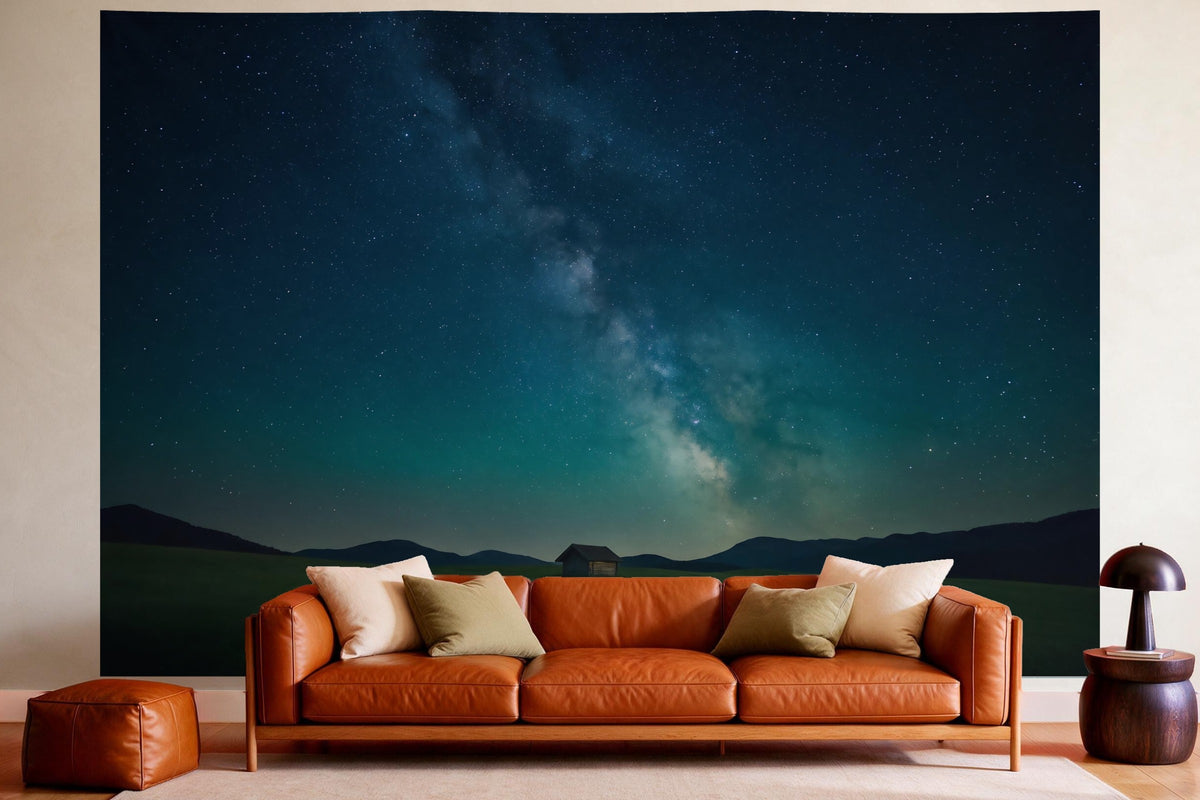
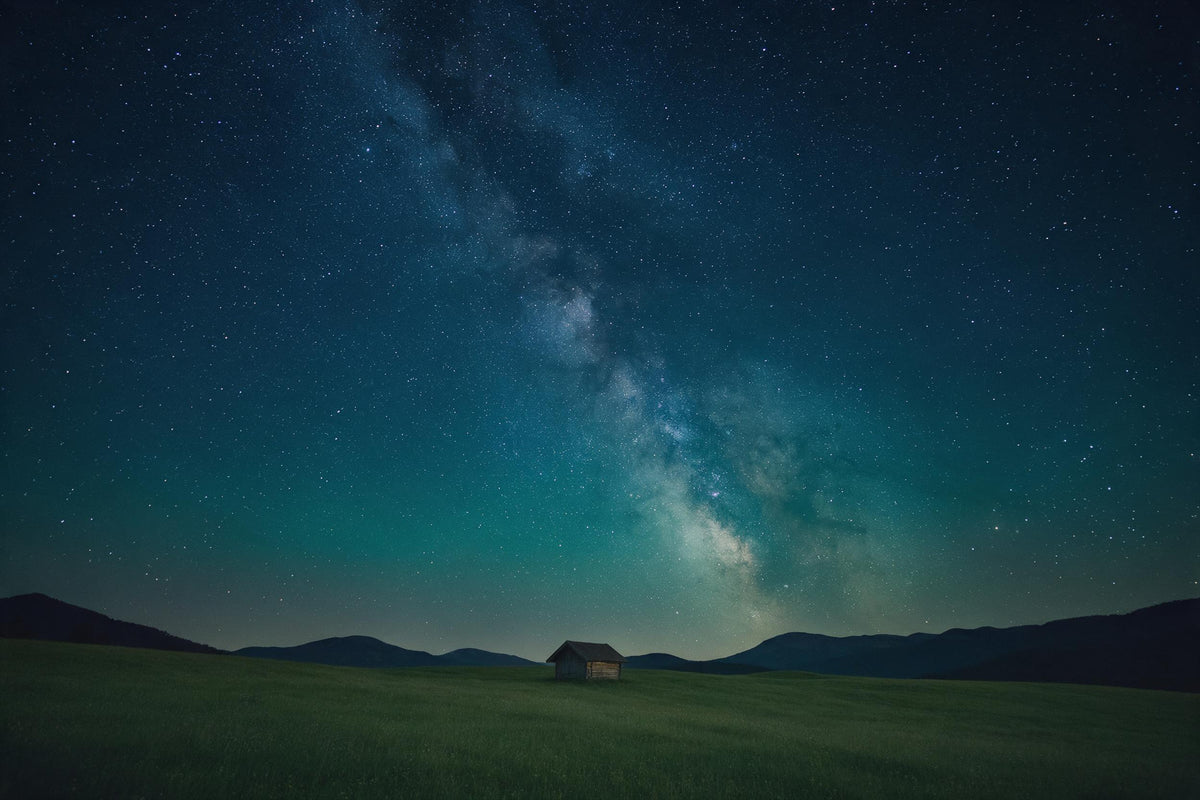
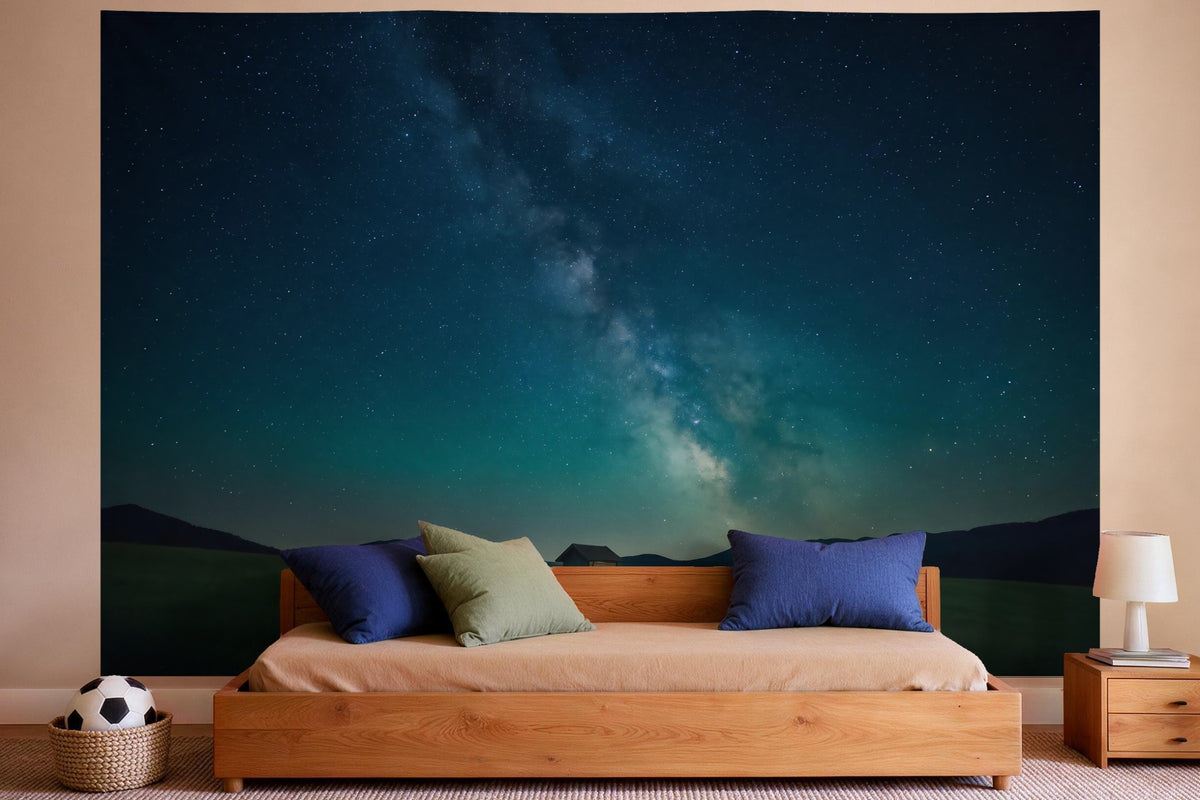
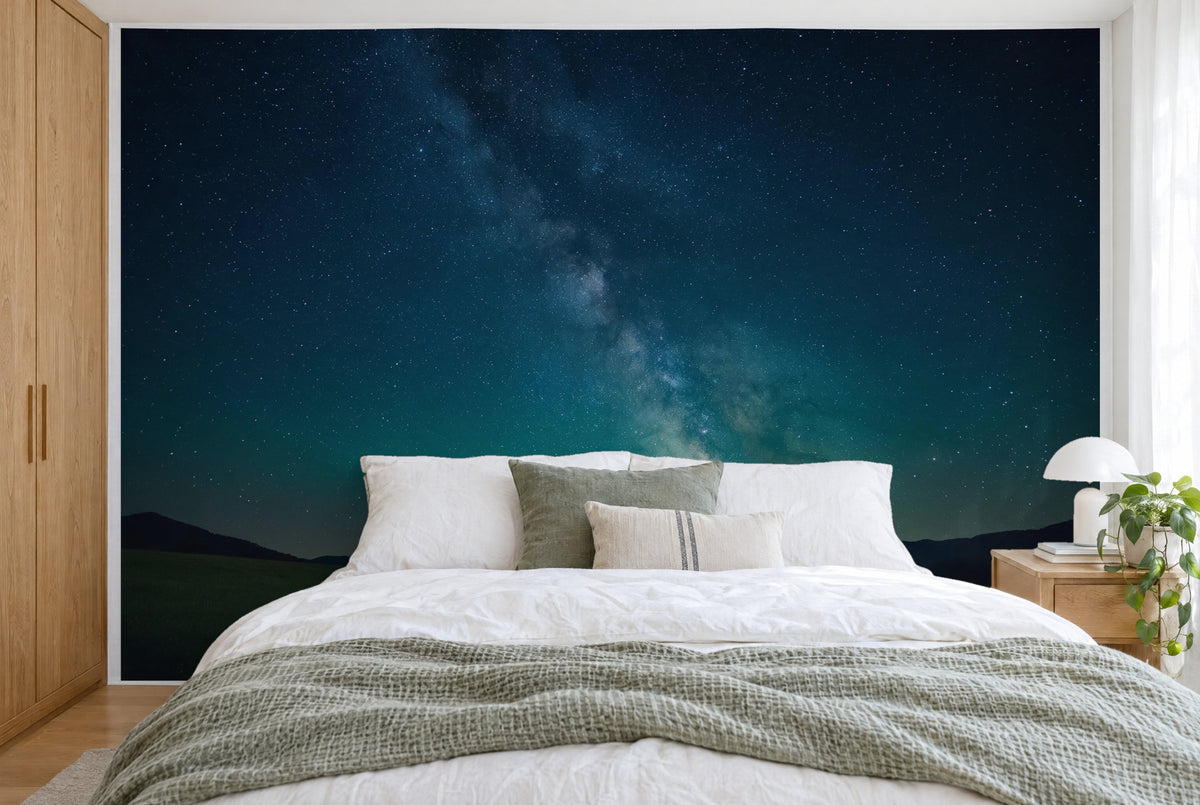
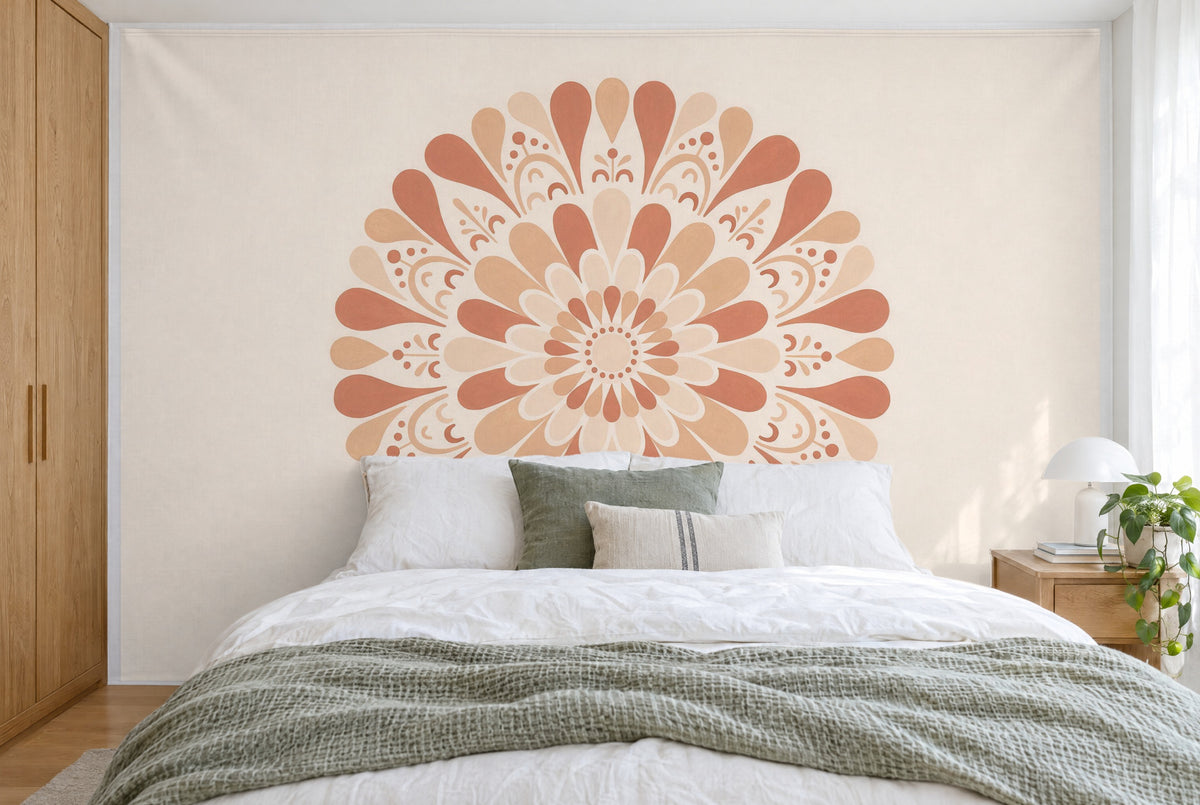
- Bedroom: soft colours, forests, lavender or a starry sky help you relax.
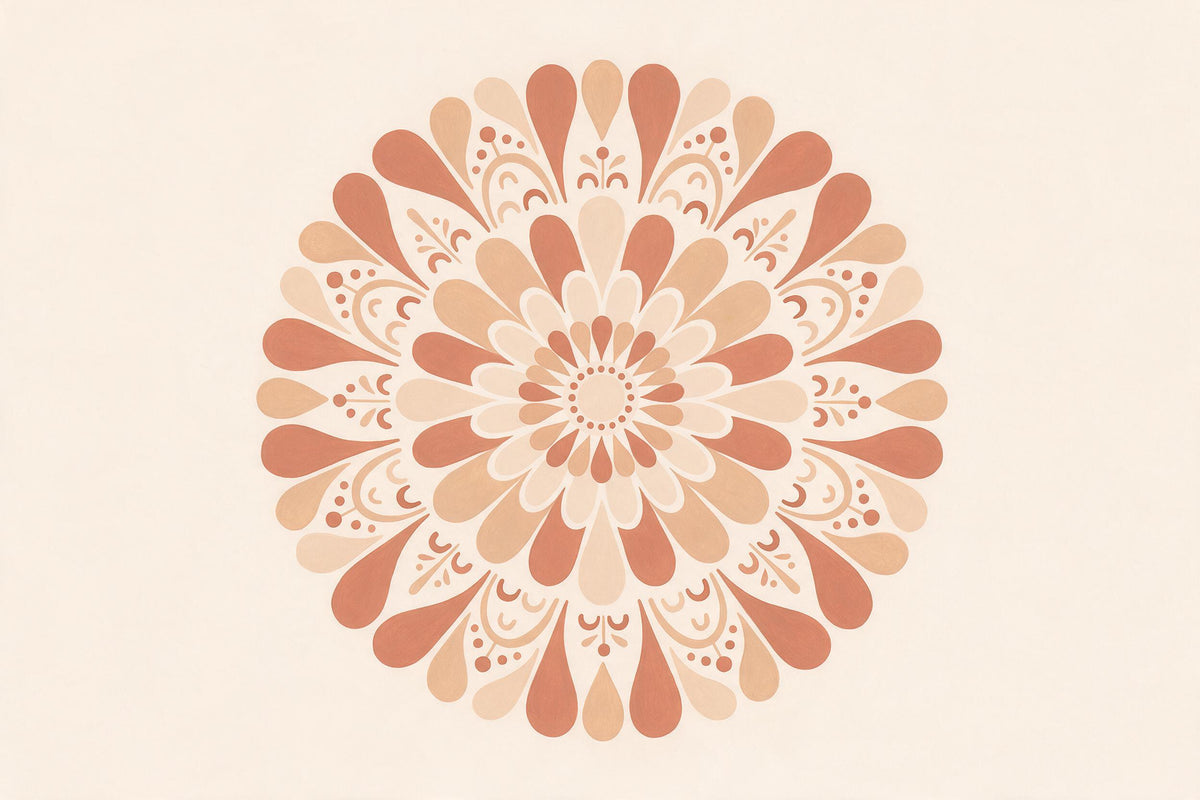
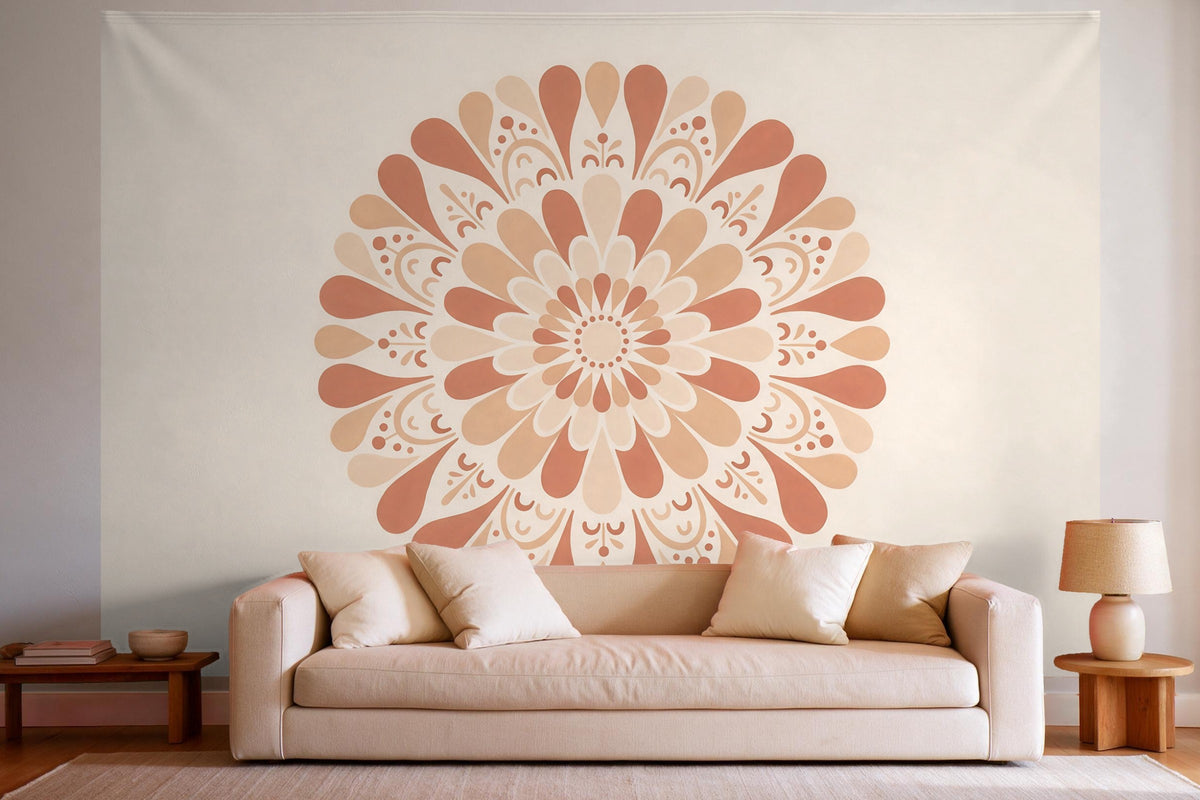
- Yoga or meditation corner: mandalas and patterns in earth tones create a clear focus.
- Kids' room: animals, fantasy worlds and cheerful illustrations in bold colours.
Three common mistakes when choosing a design
- Too much detail: a busy picture looks great on your phone, but on a large wall it quickly feels restless. A clear main subject with a calm background is usually the better choice.
- Key elements at the edge: faces, animals or the horizon shouldn't sit right at the edge. Otherwise they disappear behind furniture or get cut off when cropping.
- Colours with no link to the room: pick up a colour from cushions, rugs or curtains. That way your tapestry looks like part of the interior, not like a foreign object.
Prefer a ready-made design?
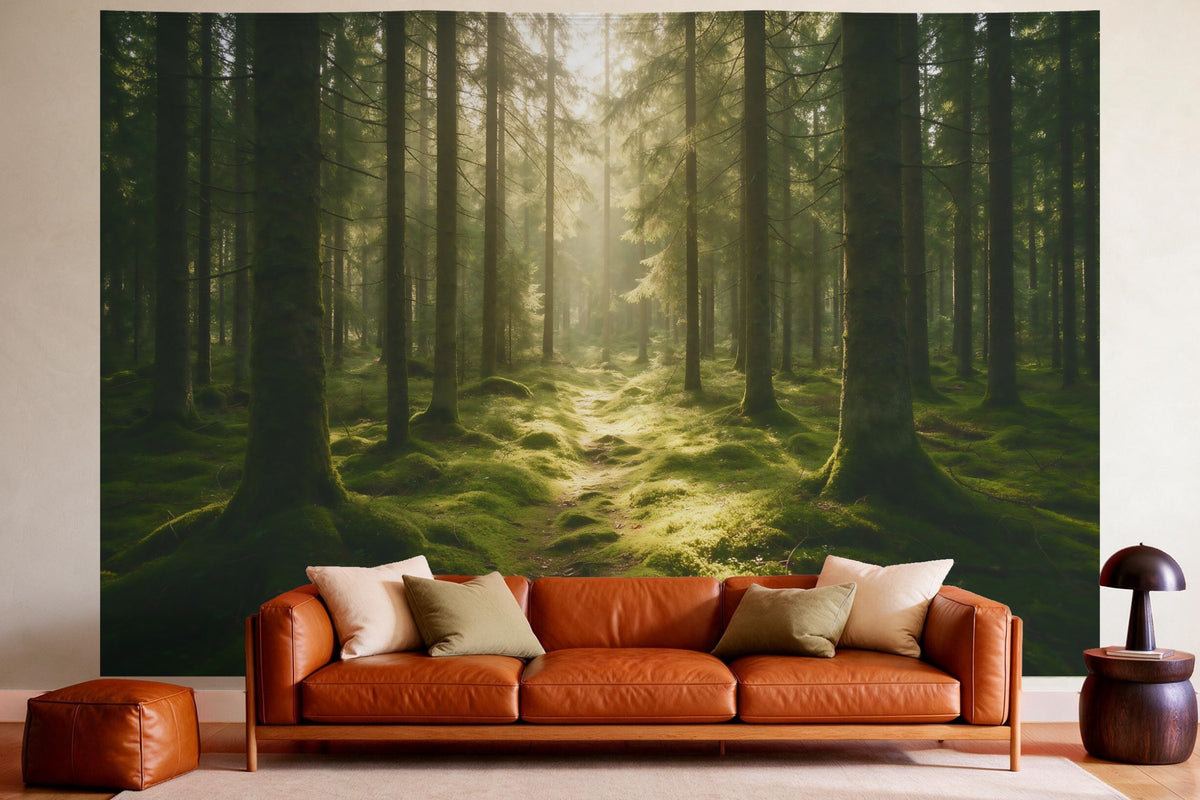
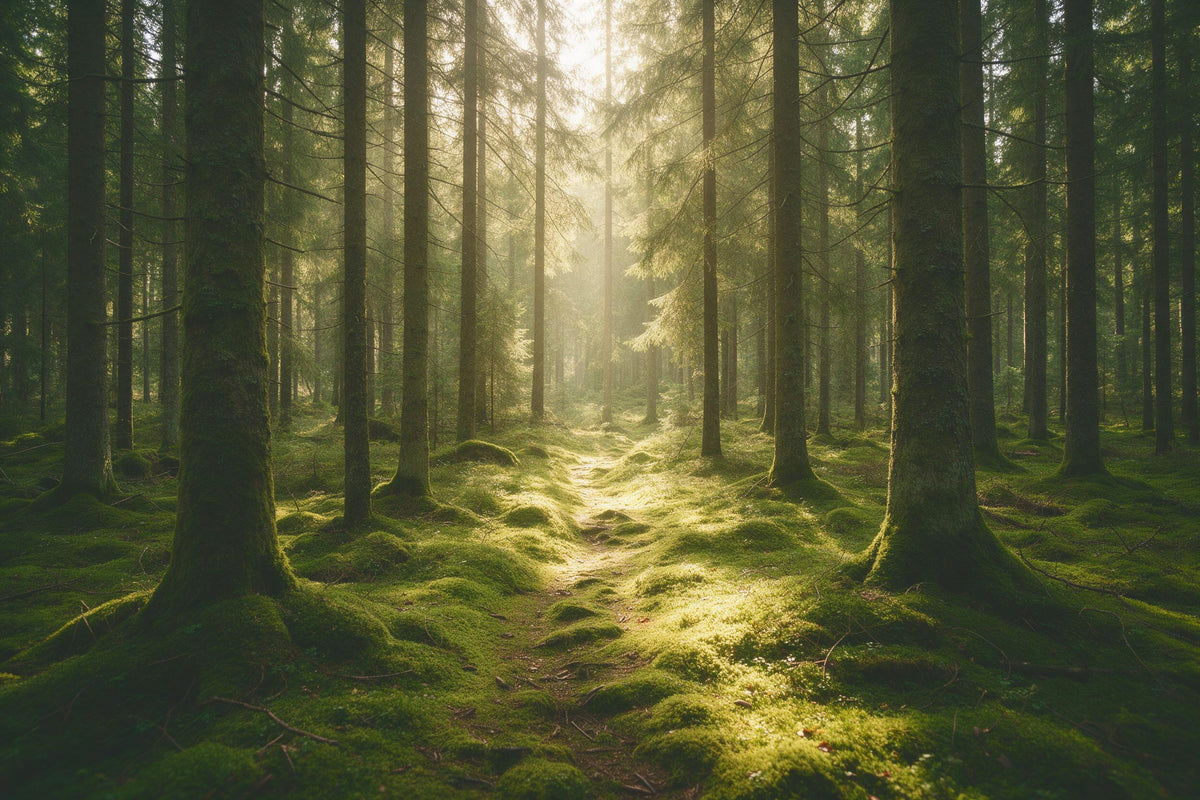
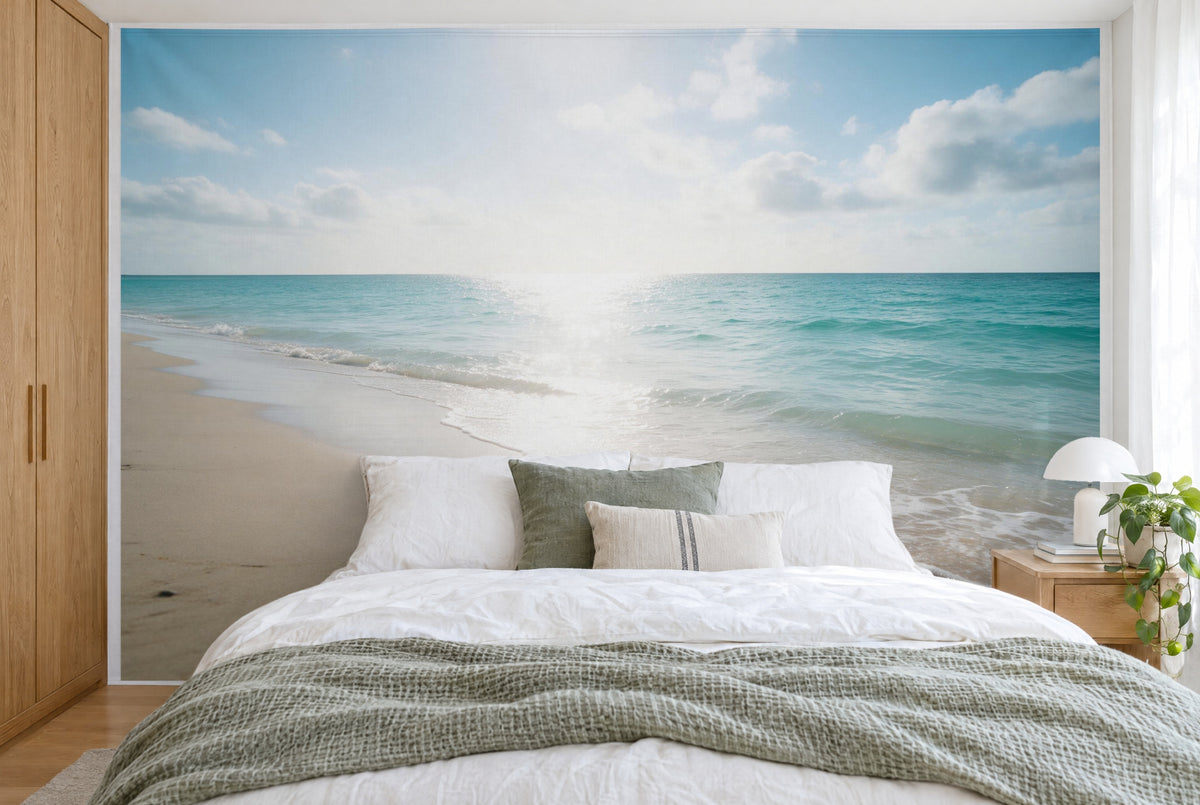
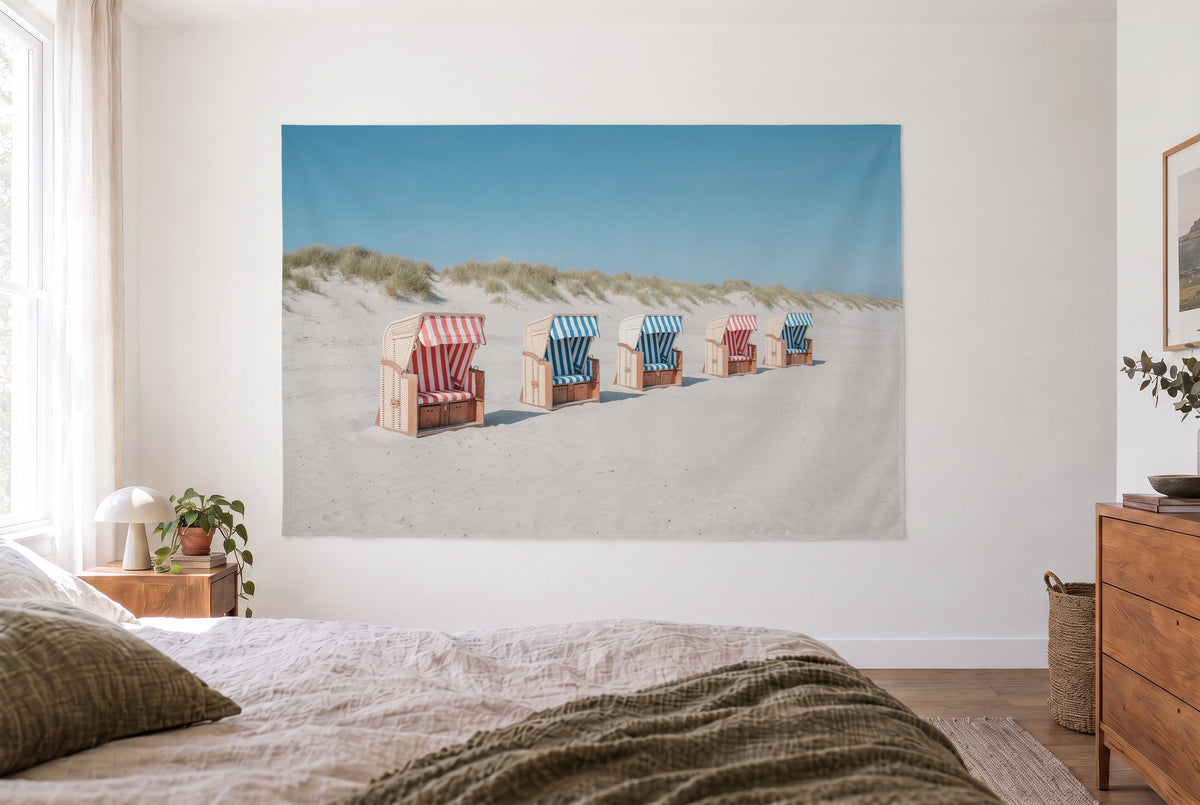
If you don't feel like searching, have a look at all tapestries. There you'll find hundreds of finished designs, ready to order in five sizes and with no extra charge for the image. The designs in this article are examples from that range and show the effect you can also achieve with a premium image. Hanging your tapestry afterwards is easy: we recommend hot glue, alternatively double-sided tape, Velcro or the grommet option.

You'll find more inspiration on the designs in the designer in the article 140 million designs for your custom tapestry. Now open the search field, find your favourite image and transform your wall.





Share: